
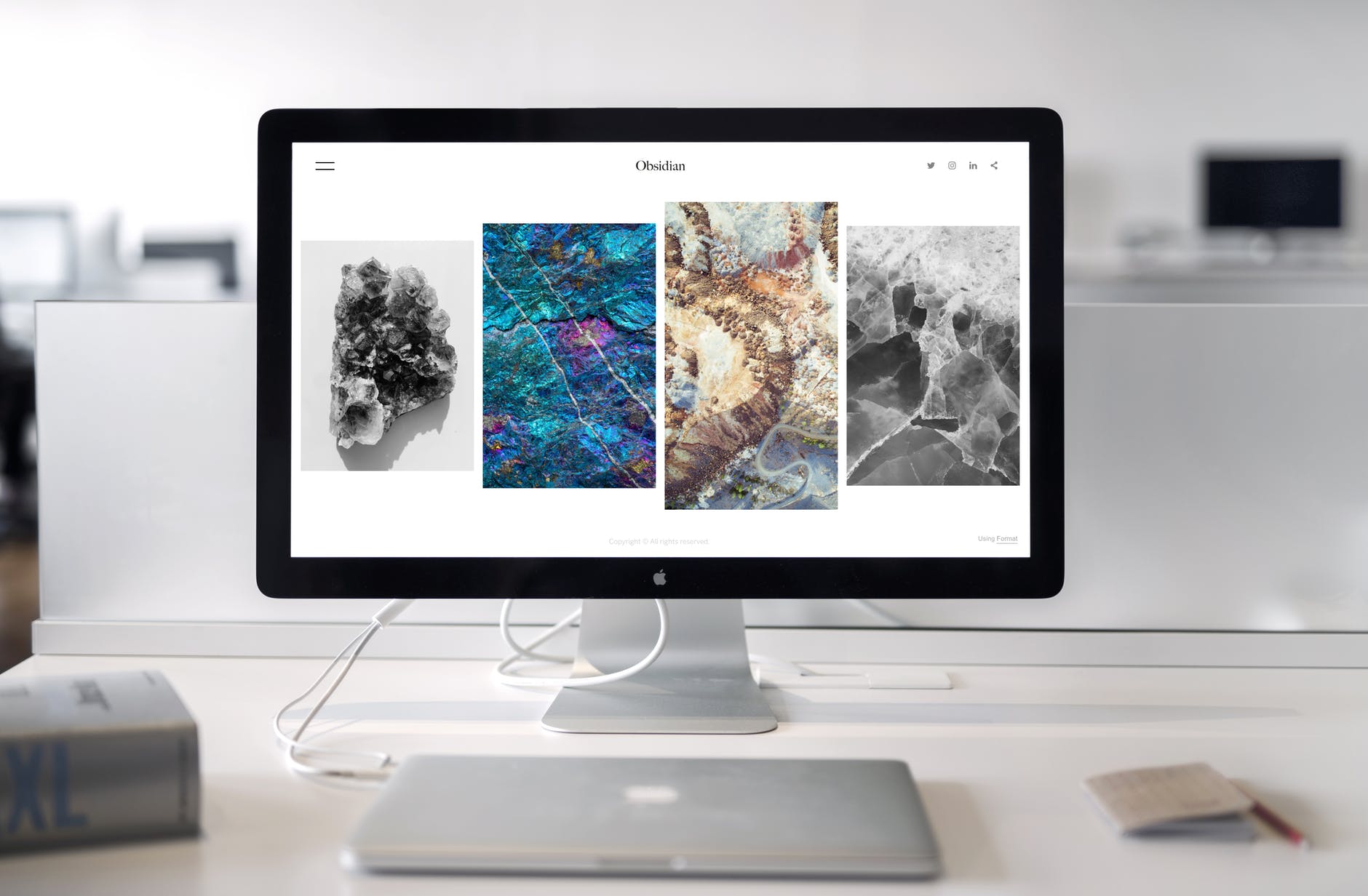
Select a professional WordPress theme
A great way to give your website a polished, professional look is to choose a high-quality WordPress theme. There are thousands available, ranging from free to premium. Modern block themes let you customize your entire site, header, footer, and all, right in the WordPress Site Editor, without touching code. Do some research and select one that fits both your budget and your vision.
Use custom branding
Once you have selected your theme, take some time to add custom branding to really make your website stand out. Add your logo, select a color scheme that reflects your brand, and keep fonts and spacing consistent from page to page, consistency is what makes a site feel professionally built.
Install relevant plugins
To take full advantage of what WordPress has to offer, install the right plugins, and only the right ones. Want to sell products? Install WooCommerce. Need better search visibility? Add an SEO plugin. Keep your plugin list short and current: too many plugins slow your site down, and site speed is part of looking professional.
Start creating content
Once your site is set up, it’s time to start creating content. Write blog posts, create pages for your products or services, and make sure everything reads well on a phone, most of your visitors will see your site on a small screen first.